JARVIS XR
I built JARVIS XR, an iPhone assistant prototype that describes what the camera sees. Its current task, such as listening or looking, fills the screen. I used Swift, Apple’s programming language, and UIKit, its tools for building app screens.
-
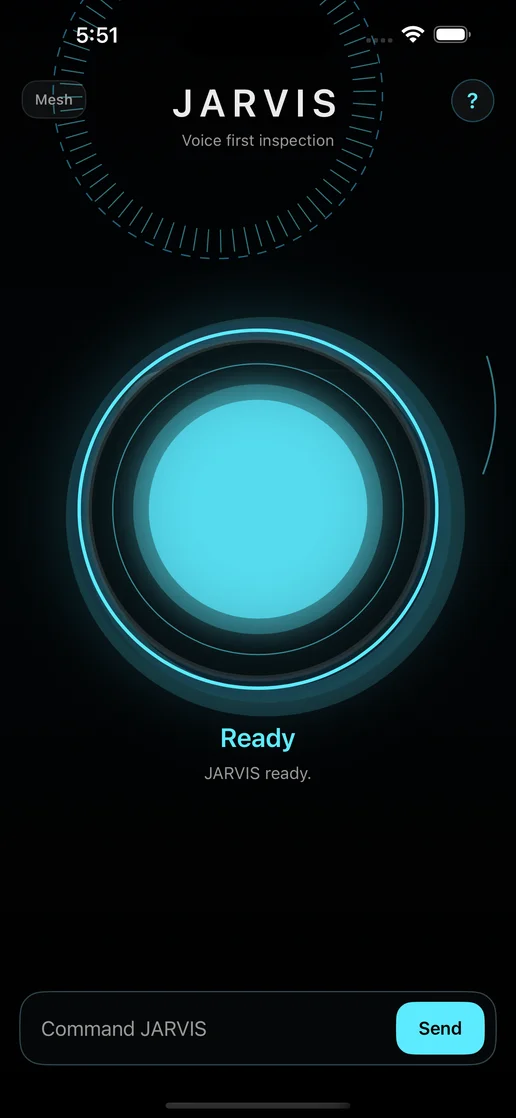
Ready Nothing has been asked yet.
-
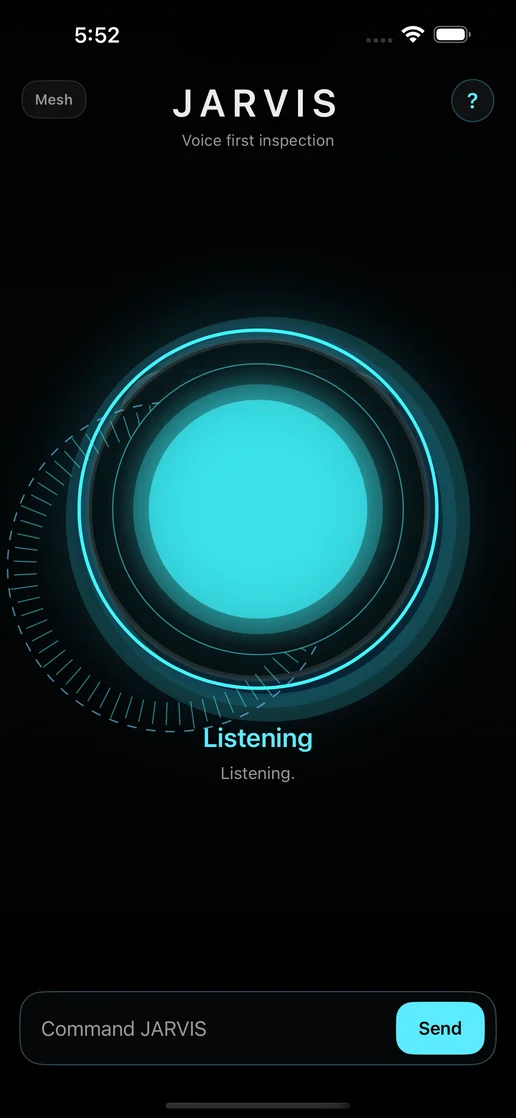
Listening The ring moves while the app listens.
-
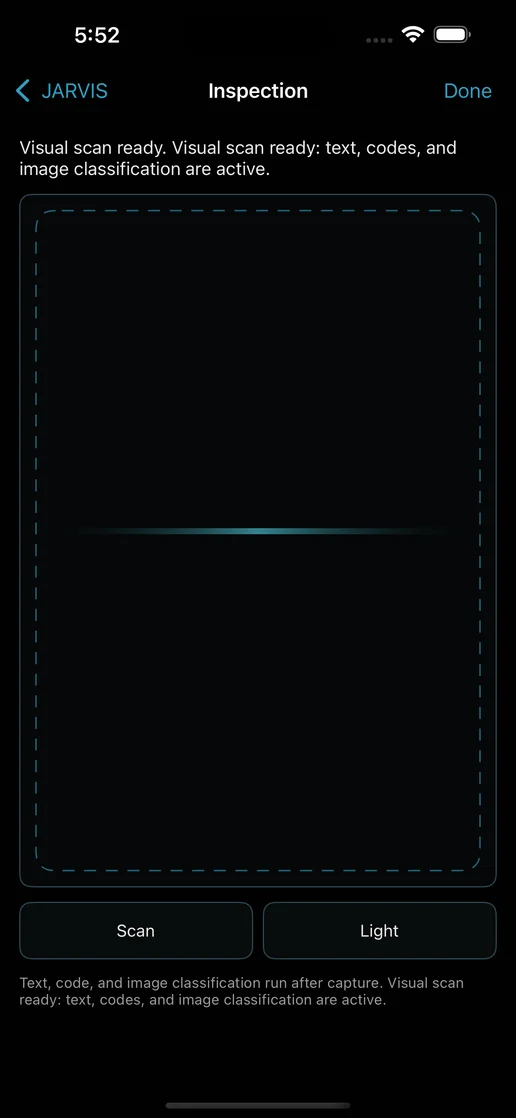
Looking Where the camera picture would appear; the simulator has no camera.
Six modes
-
Describe
Describes what the camera sees in one short summary: objects, people, text and where they appear in the picture.
It can describe only what its object detector and other tools recognize. When it is unsure, it says so instead of saying nothing is there.
-
Live Guide
Watches through the camera while the app is open and speaks when something meaningful changes.
Left, center and right describe positions in the camera picture. They do not tell you whether the space ahead is clear. The app never says a path is clear, and it stops watching when it is no longer open.
-
Find
Looks for an object you name and follows it in the camera picture. It says whether the object is left, center or right, and when it finds or loses it.
It recognizes only 80 object categories. Ask for a door, stairs, a curb, a step or an exit sign and it says it cannot find that kind of object.
-
Read Text
Reads text aloud in reading order. You can pause or move to the previous or next line.
The text it reads is not saved in its list of past commands.
-
Barcode
Reads barcodes and QR codes once each, without repeating them.
It never opens a scanned link on its own.
-
Color
Names the common color at the center of the camera picture.
When the light is poor or it is unsure, it says that too.
Screenshots are licensed CC BY-NC-SA 4.0. The software is GPL-3.0-or-later.